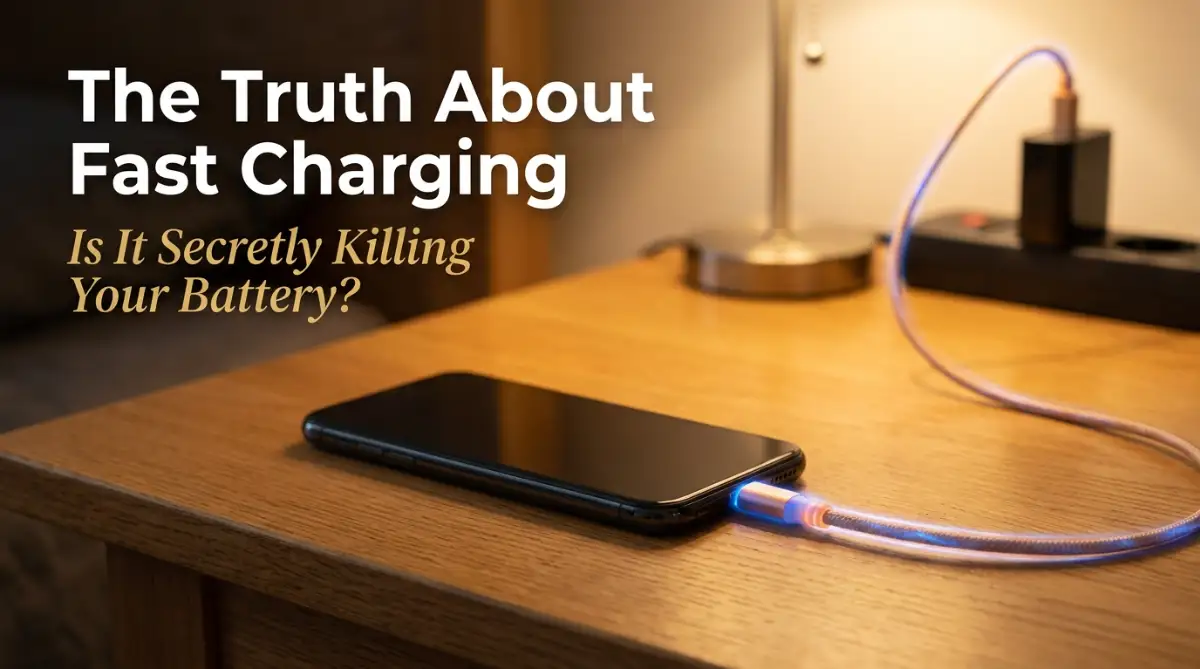
Waking Up to a Dead Phone: My Personal Wake-Up Call
I still remember the exact morning my favorite smartphone completely betrayed my trust. I had left it plugged into my brand-new ultra-fast charger overnight, expecting a full battery for a super busy day ahead. Instead, the device was burning hot to the touch and the battery had actually swollen up like a tiny balloon.
My screen was literally popping out of the metal frame due to the pressure from inside. I felt this heavy, sinking feeling in my stomach because I knew my expensive phone was totally ruined. It honestly ruined my whole week because I lost access to my photos, my work emails, and my main communication tool.
It was my own fault for blindly trusting the marketing hype without understanding how extreme power delivery actually affects internal components. Most of us live with this constant fear of running out of power during an emergency. We heavily rely on our phones for everything, from navigating unknown streets to paying for our groceries.
Because of this heavy usage, battery anxiety has become a very real and exhausting part of our daily routine. We constantly check that little battery icon at the top of our screens, terrified when it drops below thirty percent.
This daily panic slowly eats away at our mental peace, making us obsessed with finding the nearest wall outlet. You start carrying heavy power banks everywhere or awkwardly hunting for charging spots at coffee shops. We just want a device that lasts all day without causing us constant stress, but the current technology often leaves us feeling completely helpless and frustrated.
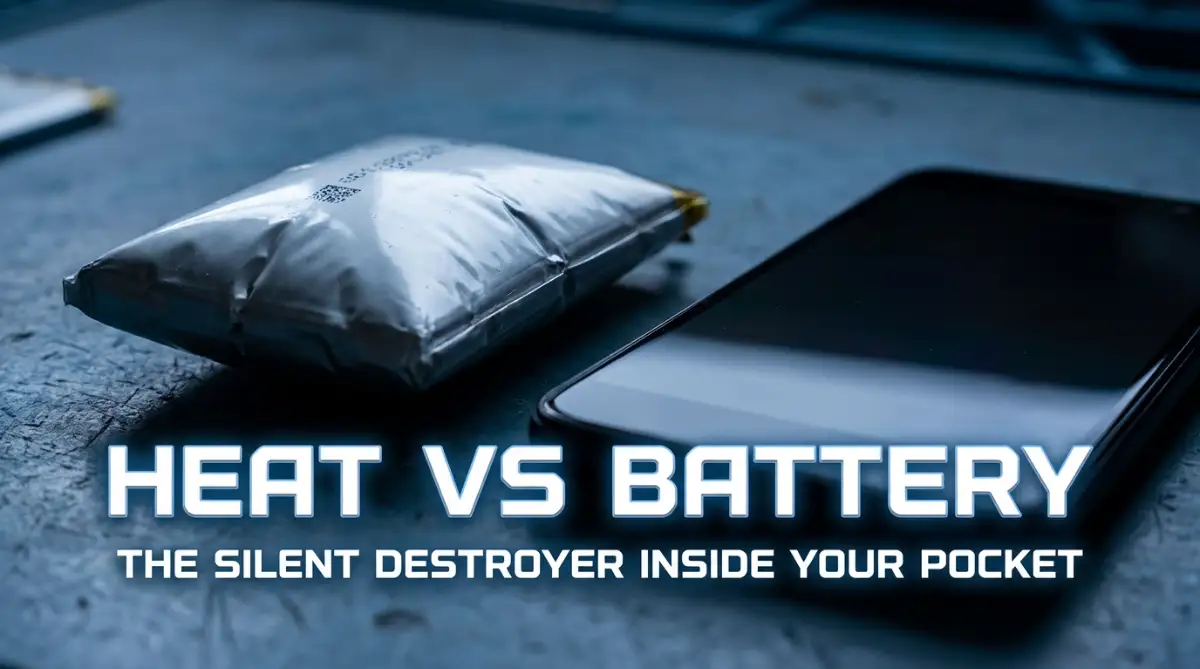
Breaking Down the Magic: What Actually Happens Inside Your Phone?
To understand how to protect your device, we first need to look at what is actually happening behind the glass screen. Think of your lithium-ion battery like a large bucket, and the electrical current as water flowing from a heavy hose.
When you use a standard, slow charger, the water fills the bucket slowly and calmly without splashing. This smooth flow creates very little stress on the walls of the bucket, keeping everything perfectly safe and stable.
However, when you use the latest extreme charging bricks, it is like turning on a massive fire hose. The water aggressively blasts into the bucket, filling it up in just minutes. While this sounds amazing for saving time, this aggressive pressure causes a massive amount of internal stress.
This high-speed energy transfer naturally generates a massive amount of physical heat inside the small glass body. Heat is the absolute worst enemy of any chemical battery on the planet. When the internal temperature rises too high, the chemical liquids inside the battery start to break down and crystalize.
This unwanted chemical reaction permanently reduces the total amount of energy your phone can hold over time. This is exactly why your phone feels incredibly hot when you plug it in for a quick thirty-minute top-up before leaving the house.
The Heat Equation: Why Your Device Feels Like a Mini Heater
The physics behind charging a device are actually quite simple to understand once you break them down. Pushing electricity into a confined space naturally creates friction, and friction always creates heat.
Your smartphone does not have built-in cooling fans like a large gaming laptop or a desktop computer. It has to rely on the thin glass and metal frame to push the heat out into the surrounding air.
When you place your device on a soft bed or a thick pillow while plugged in, you accidentally trap all that dangerous heat. The temperature keeps rising, basically cooking the delicate internal chemicals.
Over a few months, this extreme heat exposure causes the battery health to drop significantly faster than normal. You might notice that a phone that used to last fourteen hours suddenly dies after just six hours of use.
I used to charge my phone under my pillow at night, which trapped all the heat and severely damaged the device. Now, I always place it on a cool, hard surface like a glass table before plugging it in, and my current battery health has remained incredibly stable.
This simple adjustment to your daily routine can literally add an extra year of healthy life to your expensive device. It costs absolutely nothing to change where you place your phone, but the long-term benefits are massive.
Smart Habits to Save Your Battery's Lifespan Today
Instead of living in fear of your charger, you simply need to adopt a few smart, science-backed habits. The first major rule you should follow is the famous 20-80 charging principle.
Lithium-ion batteries experience the most physical stress when they are completely empty or completely full. Think of it like eating a huge meal; you feel great when you are 80% full, but extremely uncomfortable when you force yourself to eat 100%.
By keeping your battery percentage between 20% and 80%, you drastically reduce the mechanical stress on the cells. Many modern smartphones now have a built-in software feature that automatically stops the charge at 80%.
You should definitely dig into your battery settings right now and turn this protective feature on. If your phone does not have this feature, try to unplug it manually before it hits that maximum capacity.
It might feel a bit weird at first not seeing that full 100% icon, but your device will thank you in the long run. You will notice that your device holds its charge much better after a year of using this simple method.
Myth vs Reality: The Overnight Charging Debate
There is a huge amount of misinformation floating around the internet about leaving your phone plugged in while you sleep. Many people still believe that leaving it plugged in all night will overcharge and blow up the device.
This was entirely true for older battery technologies from ten years ago, but modern smartphones are much smarter now. Today, your phone has a dedicated power management chip inside that communicates directly with the wall adapter.
Once the battery hits maximum capacity, this tiny smart chip completely cuts off the electrical current. The phone simply switches to using the wall power to keep itself running while you sleep.
So, technically, you cannot overcharge a modern smartphone, no matter how long you leave it connected. However, sitting at 100% capacity for eight hours straight still puts a mild, continuous strain on the chemicals.
To combat this, tech companies introduced "Optimized Battery Charging" software in recent software updates. This brilliant feature learns your sleep schedule, charges the phone to 80%, and waits to finish the last 20% right before you wake up.
The Danger of Gaming While Plugged In
One of the most destructive habits you can develop is playing heavy, graphic-intense video games while connected to power. When you play a heavy game, the main processor and graphics chip generate a massive amount of heat on their own.
If you add extreme charging into the mix, you are basically attacking the battery from two different sides. The device gets hit with heat from the processing power and heat from the incoming electricity at the exact same time.
This double heat generation is a guaranteed recipe for early hardware failure and severe battery swelling. Your phone might even dim the screen automatically or slow down the game just to protect itself from melting.
If you absolutely must play games, try to use a slower, basic charging cable instead of the high-speed adapter. Better yet, let the phone rest and fill up for twenty minutes before you start your next gaming session.
Taking a short break not only cools down your expensive device but also gives your eyes a much-needed rest. It is a win-win situation for both your physical health and the longevity of your technology.
Decoding the Charger Quality Equation
Not all wall adapters and cables are created with the same level of care and safety standards. The internet is heavily flooded with cheap, counterfeit charging accessories that promise lightning-fast speeds for just a few dollars.
These cheap alternatives look exactly like the real ones, but they are missing the most important internal safety components. A high-quality, official charger has a smart controller that talks to your phone to negotiate the safest power speed.
It constantly monitors the temperature and lowers the speed if things get dangerously hot. Fake chargers simply blast raw power into the device without any communication, which is incredibly dangerous.
Using a cheap cable to save ten dollars could easily destroy an eight-hundred-dollar smartphone in a matter of weeks. Always stick to accessories made by your phone manufacturer or highly trusted, certified third-party brands.
Look for certifications on the box, and if a deal seems way too good to be true, it probably is a fake. Investing in a proper power brick gives you peace of mind and keeps your expensive investment completely safe from unexpected electrical surges.
Quick Comparison: Slow vs Extreme Power Delivery
Environmental Factors You Are Probably Ignoring
We often blame the phone manufacturers when our battery drains quickly, but the environment around us plays a massive role. Extreme temperatures, both blazing hot and freezing cold, will temporarily and permanently damage battery chemistry.
If you leave your phone sitting directly on the dashboard of your car during a sunny summer day, you are literally cooking it. The internal sensors will panic, shut the phone down, and refuse to turn on until the glass cools down.
On the flip side, taking your phone out in freezing winter weather causes the battery meter to drop incredibly fast. Cold temperatures slow down the chemical reactions, making the phone think it has less power than it actually does.
Always try to keep your device stored in a neutral, room-temperature environment whenever possible. If you are walking outside in the blazing sun, keep the phone securely tucked away in your pocket or a shaded bag.
Small environmental protections like this ensure the internal liquids stay fluid and healthy for years to come. It requires a bit of mindfulness, but the result is a device that never lets you down when you need to make an emergency call.
Software Optimization: Your Hidden Superpower
Hardware care is only half the battle when it comes to maximizing your daily screen time. Modern operating systems are packed with hidden software tools designed specifically to lower daily power consumption.
One of the biggest culprits of silent battery drain is background app refresh. Many applications constantly connect to the internet in the background to update feeds, download data, and track your location.
You can easily go into your settings and completely disable background activity for apps you rarely use. This single software tweak can easily give you an extra hour or two of usage every single day.
Another massive power drain is your screen brightness being permanently set to maximum levels. Your display is the single most power-hungry component on the entire device.
Turning on "Auto-Brightness" allows the phone to lower the light levels when you are indoors, saving a massive amount of energy. You can also switch to "Dark Mode," which actually turns off individual pixels on modern screens, keeping your phone cooler and saving power at the same time.
Taking just five minutes to adjust these simple software settings creates a perfect harmony between your daily habits and your phone's capabilities. You regain complete control over your technology, completely eliminating the daily stress of searching for a wall outlet.
Next-Level Charging: My Personal Strategy for Maximum Battery Health
Now that we understand the basic science behind power delivery, it is time to look at some advanced habits that totally changed my relationship with my devices. For a long time, I thought simply using the cable that came in the box was enough to keep my smartphone safe.
However, I quickly realized that technology moves much faster than the basic accessories manufacturers provide. One of the biggest secrets I learned from my hardware engineer friends was the incredible power of Gallium Nitride technology.
If you look at older charging bricks, they are mostly made with standard silicon internal parts. Silicon is cheap and easy to mass-produce, but it naturally generates a massive amount of excess heat when converting electricity from your wall.
This is exactly why your old, bulky laptop or phone chargers feel incredibly hot after just thirty minutes of use. Gallium Nitride, commonly known as GaN, is a completely different chemical material that runs incredibly cool.
Switching to a GaN-powered wall adapter was an absolute game-changer for my daily tech setup. Because these newer adapters are so efficient at moving energy, almost no power is wasted as heat during the transfer process.
Your phone receives a clean, steady stream of cool energy, which drastically reduces the physical stress on the internal lithium-ion cells. If you want to dive deeper into how this material is changing consumer electronics, I highly suggest reading some research on modern GaN power efficiency published by engineering experts.
Another trick I use every single day involves spending just ten dollars on a basic mechanical smart plug for my bedroom. Even though modern smartphones have protective software chips, leaving a device plugged into the wall all night still makes me slightly nervous.
I simply connected a smart timer to my bedside outlet and set it to cut the power completely after exactly two hours. By the time I fall asleep, my phone hits a comfortable eighty percent charge, and then the smart plug physically blocks any more electricity from flowing.
This entirely eliminates the slow trickle charge that keeps the battery slightly warm throughout the night. It is a tiny, inexpensive habit that heavily protects your expensive hardware from long-term damage.
Think of your phone battery as a long-term investment that needs constant, careful monitoring to retain its actual value. Just as you protect any valuable electronic device with careful daily maintenance, you need a solid, proactive plan to keep your battery hardware secure.
We also need to talk about that heavy, protective case you love to keep on your device all the time. I totally understand wanting to protect your beautiful glass screen from accidental drops on hard concrete floors.
However, thick rubber and leather cases act exactly like heavy winter coats on a hot summer day. They trap all the natural heat generated by the processor and the battery, pushing those extreme temperatures right back into the delicate internal components.
Whenever I need to plug my device in for a super quick top-up, I immediately take the protective case off first. It only takes two seconds of my time, but it allows the bare metal and glass to properly release the built-up heat into the open air.
Just as any high-performance electrical component requires adequate airflow to prevent thermal throttling, your lithium-ion cells desperately need a cool, breathable environment to survive.
I also strictly avoid using extremely powerful laptop chargers for my smaller handheld devices, even if they share the same port. Yes, the smart chips inside will usually lower the wattage to a safe level, but I prefer not to risk overwhelming the tiny internal controllers.
By sticking to properly rated accessories, I have easily maintained ninety-eight percent battery health on a phone I use heavily every single day.
The Silent Hardware Killers You Are Probably Ignoring
Even if you follow all the best practices, it is incredibly easy to accidentally ruin your device with a few careless habits. The absolute biggest mistake I constantly see people making is purposely letting their phone drop entirely to zero percent.
For some reason, there is a very old myth that you need to completely drain your battery occasionally to reset its internal memory. This was only true for ancient nickel-cadmium batteries we used heavily twenty years ago.
Modern lithium-ion technology actually hates deep discharge cycles more than anything else in the world. When a modern cell hits absolute zero, the chemical liquid inside becomes highly unstable and can actually crystallize.
If you leave a totally dead phone sitting in a drawer for a few weeks, those crystals harden permanently, and the battery will never accept a charge again. You can read detailed data from battery engineers about how deep discharge cycles permanently damage battery cells to understand the exact science.
I always try to plug my device in right when it hits the twenty percent warning notification. Waiting until the screen goes completely black is basically starving your hardware of the essential energy it needs to maintain chemical stability.
Many people completely overlook the fundamental physics of heat and chemical degradation until their devices suffer irreversible damage.
Another terrifying mistake is casually picking up cheap, unbranded charging cables from gas stations or discount stores. These cables look perfectly fine on the outside, but they are missing the extremely important safety communication chips on the inside.
When you connect a fake cable, the power adapter has absolutely no idea how much electricity your specific device actually needs. It simply blasts raw, unregulated energy through the wire, which can instantly fry your motherboard or cause the battery to expand rapidly.
Always look for official verification badges on the packaging before you spend your hard-earned money. Learning about official USB-IF certified charging standards is highly recommended so you know exactly what warning signs to avoid while shopping.
If you use other rechargeable accessories, you probably experience the exact same frustrations with quick power loss. I recently documented the hidden reasons your premium headphones drain fast, and the science of heat and cheap cables applies perfectly there as well.
We also need to seriously address the massive popularity of modern wireless charging pads. Placing your phone on a sleek, glowing disc looks incredibly futuristic and makes your desk look very clean.
The ugly truth is that wireless energy transfer is incredibly inefficient and loses nearly thirty percent of its power as pure heat. Because the phone has to sit perfectly aligned on the magnetic coils, the device gets heavily baked from the bottom up.
I entirely stopped using my expensive wireless charging stand after I noticed my screen was dimming itself just to cool down. A simple, certified physical cable is always faster, vastly safer, and generates significantly less heat for your expensive investment.
Leaving your device locked inside a hot car during the summer is another guaranteed way to instantly destroy your capacity. The temperature inside a parked vehicle can easily reach over one hundred and forty degrees in just thirty minutes.
That extreme heat directly attacks the internal glue and heavily boils the chemical liquids inside the battery pouch. If you absolutely must leave your phone in the car, hide it deep inside the glovebox or underneath a thick blanket away from direct sunlight.
Your Easy Action Plan for Tomorrow Morning
Protecting your smart devices does not require you to become an obsessive, stressed-out technology expert. It simply requires a slight shift in your daily habits and a better understanding of how heat destroys internal components over time.
Start by going into your device settings right now and turning on the optimized charging feature so your phone stops holding a maximum charge overnight. Tomorrow morning, try taking your thick protective case off before you plug the device into the wall adapter.
Building healthy charging habits is a long-term investment that directly saves you hundreds of dollars on premature device upgrades.
Throw away those cheap gas station cables sitting in your drawer and replace them with high-quality, verified cords. Remember that extreme temperatures are your absolute worst enemy, so keep your device out of the hot sun and away from freezing cold windows.
Because your smartphone is your central hub for daily communication and productivity, protecting its physical battery health should always be a top priority.
These small, effortless adjustments will easily add an entire extra year of healthy life to your expensive smartphone. You regain complete control over your daily routine and completely eliminate the anxiety of watching your battery percentage drop rapidly.
Clear Answers to Your Biggest Battery Doubts
Does frequent quick charging throughout the day harm my phone?
No, small "snack" charges throughout the day are actually incredibly healthy for lithium-ion technology. Keeping the capacity bouncing comfortably between forty and eighty percent reduces massive stress on the chemical cells.
Should I forcefully close all my background apps to save energy?
Forcefully swiping away all your apps actually drains more power because the processor has to completely restart them from scratch later. It is much better to leave your most-used apps resting in the background memory so they load up instantly.
Is it dangerous to use a high-wattage laptop charger on my phone?
As long as you use a high-quality, certified laptop charger, the smart chips inside will safely lower the speed for your smartphone. The phone simply pulls exactly what it needs, so it will never accept too much energy and explode.
Will keeping my phone in battery saver mode permanently damage it?
Battery saver mode simply slows down the internal processor, turns off background syncing, and lowers the screen brightness. It is completely safe to use all day and actually keeps the device much cooler, heavily protecting your battery lifespan.
Why does my phone get so hot during video calls while plugged in?
Video calling forces the camera, screen, and internet modem to work at maximum capacity simultaneously, creating immense internal heat. Adding incoming electrical energy from a wall outlet doubles that heat, which severely strains your battery over time.
I honestly wish I knew these simple battery rules before I completely destroyed my favorite device a few years ago. You now have all the exact knowledge you need to keep your smartphone running like brand new for years to come. Start applying just one of these cool habits today, and I promise you will see a massive difference in how long your daily charge lasts!
Disclaimer: The information provided in this article is strictly for educational and informational purposes regarding consumer electronics maintenance. I am not a certified hardware engineer or official device technician. All technology usage involves unique variables, and any modifications or changes to your charging habits should be done with caution. Always refer to the official safety guidelines and instruction manuals provided by your specific device manufacturer.